Project
Early AlphaLabeler Desktop: Label Design + DYMO BLE Printing
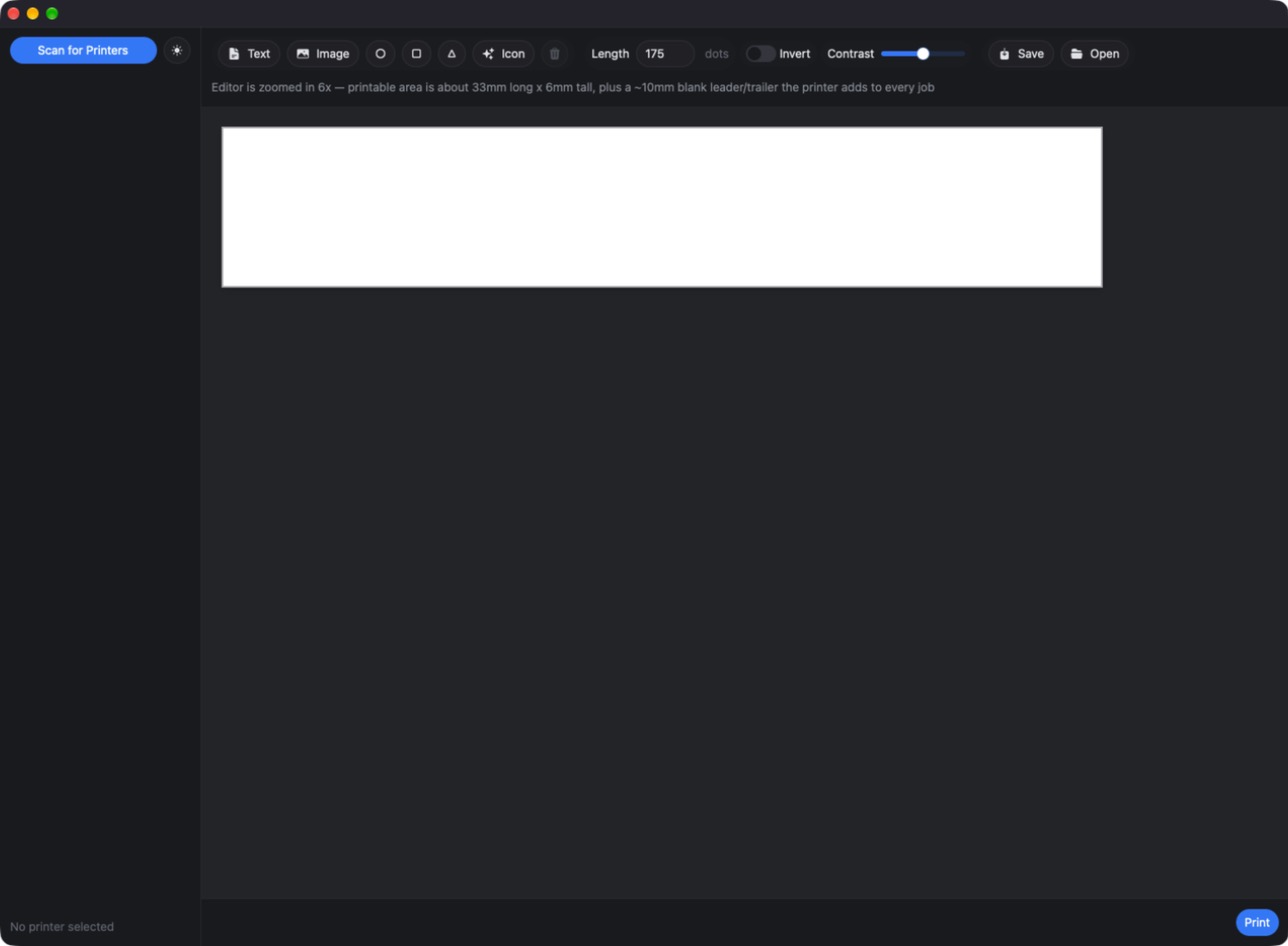
Labeler Desktop is a Rust desktop app, built with GPUI, plus a companion CLI, for designing labels on a visual canvas and printing them straight over Bluetooth LE to a DYMO LetraTag 200B — no DYMO software required. View on GitHub
The tech stack:
A downloadable macOS build will appear on the Releases page once a version tag is pushed — the CI workflow that publishes it is still in review, so there may be nothing there yet.
Project Notes
I built Labeler Desktop because the official DYMO software for the LetraTag 200B is slow and clunky. This talks to the printer directly over Bluetooth LE from a native Rust app.
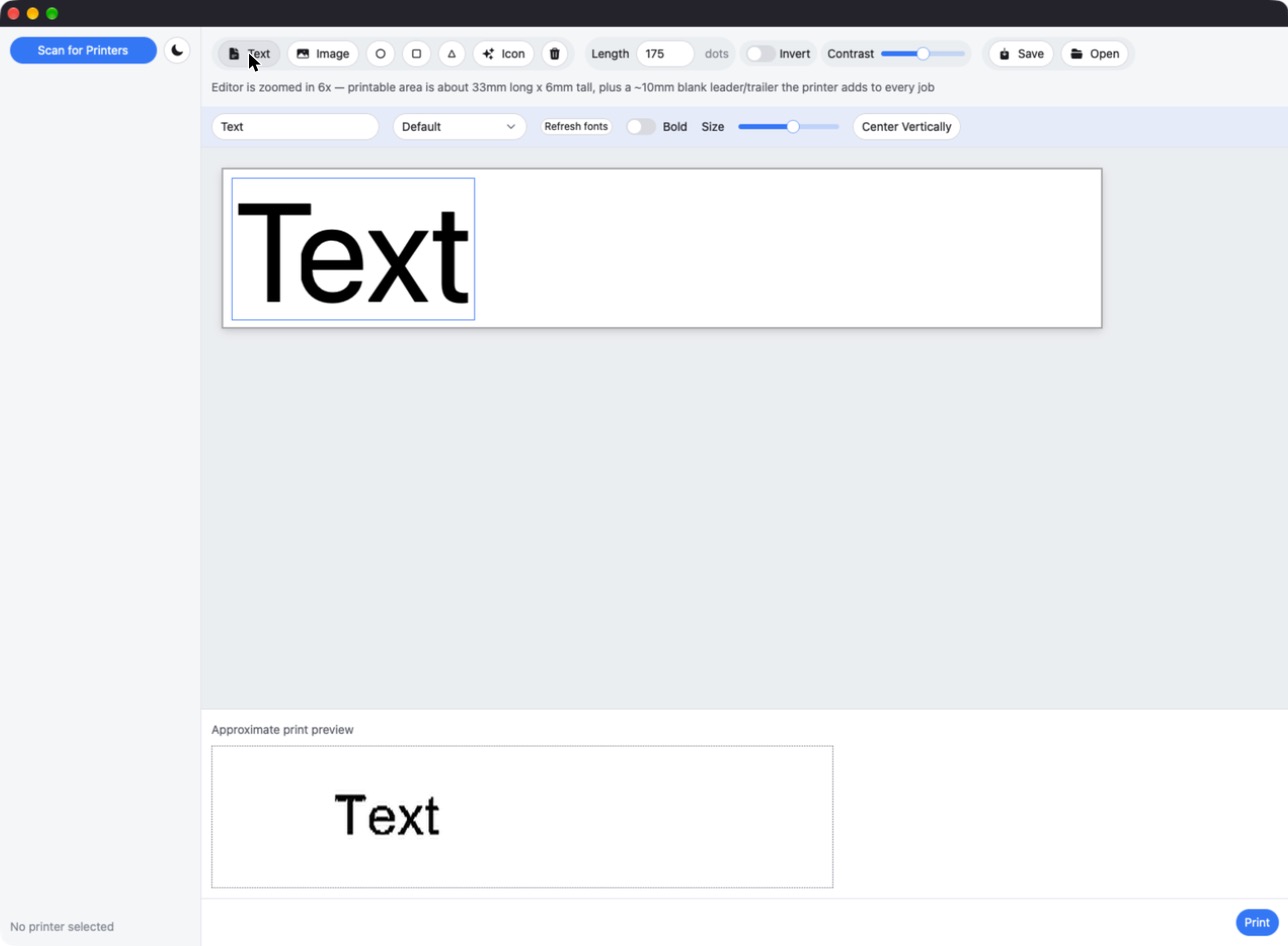
- Visual canvas editor for text, images, basic shapes, and bundled Heroicons.
- System font picker for text elements.
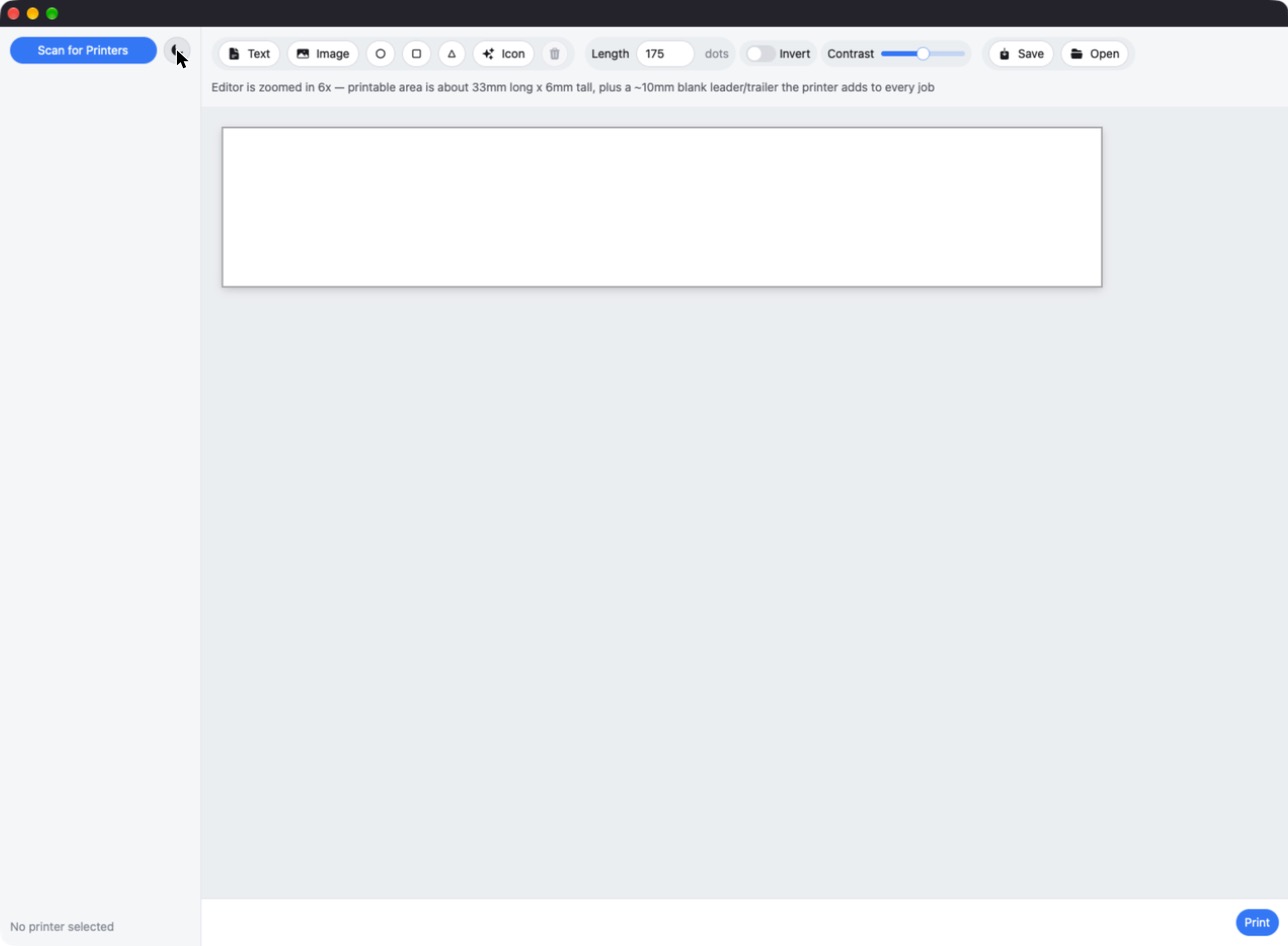
- Dark/light "Studio" theme — dark neutral chrome, blue accent, pill-shaped controls — toggled live with a sun/moon button.
- Prints directly over Bluetooth LE to a DYMO LetraTag 200B.
Use at your own risk
This is early-alpha, unsigned software. Builds are not notarized or code-signed by an Apple Developer ID. I take no responsibility and accept no liability for anything that happens from running it on your own machine — data loss, printer issues, or anything else. There is no warranty of any kind. Run it only if you're comfortable with that tradeoff.
Explore more projects
See the other projects.