Adobe Photoshop extension
The Designer Panel
I built Designer Panel from tools I wanted when I worked as a graphic designer. It brings together more than 100 utilities, templates, and editing tools for photographers and designers.
Tech Stack
HTML, CSS, JavaScript, Node, jQuery, Velocity.js, and Adobe scripting libraries.
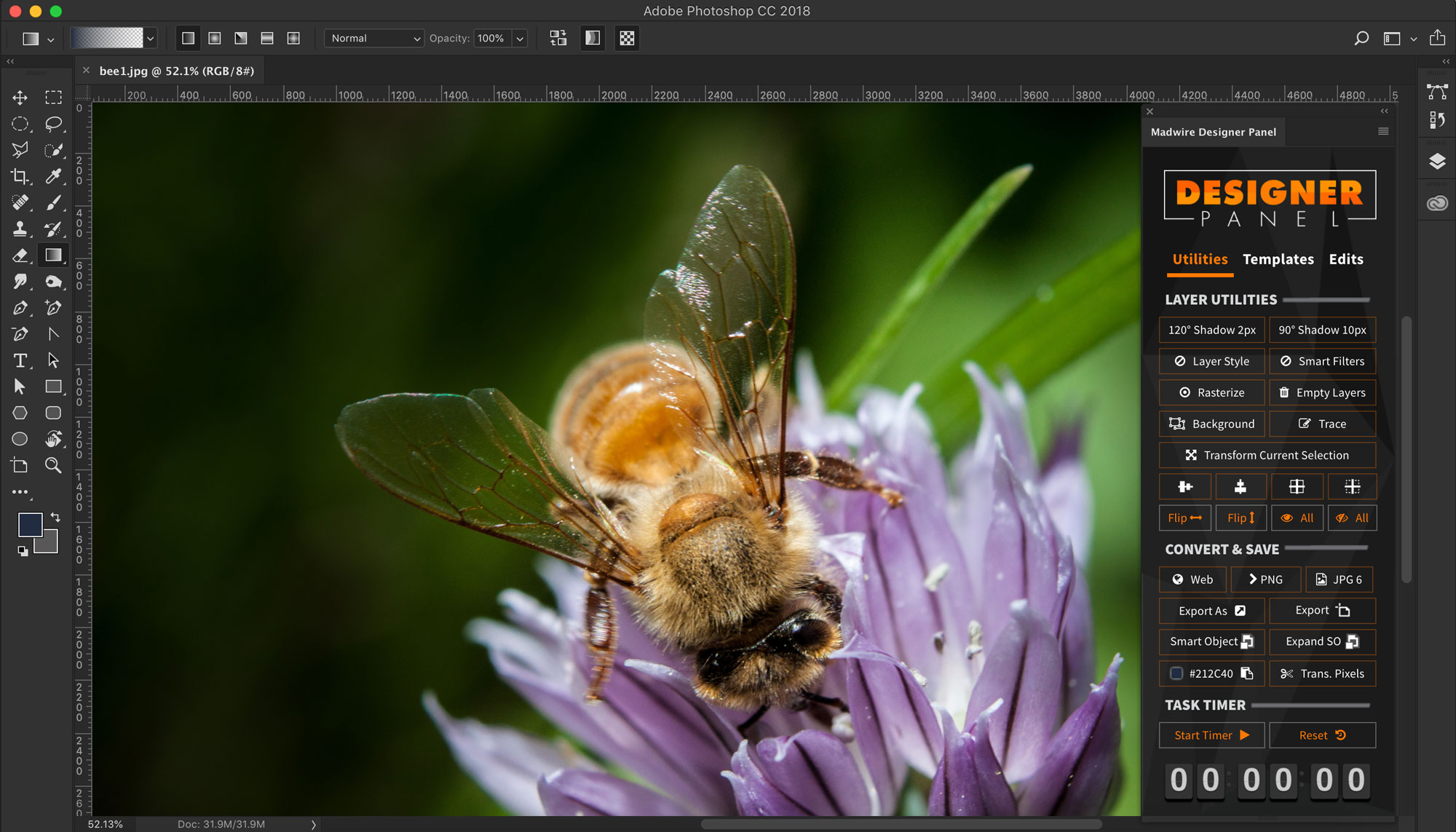
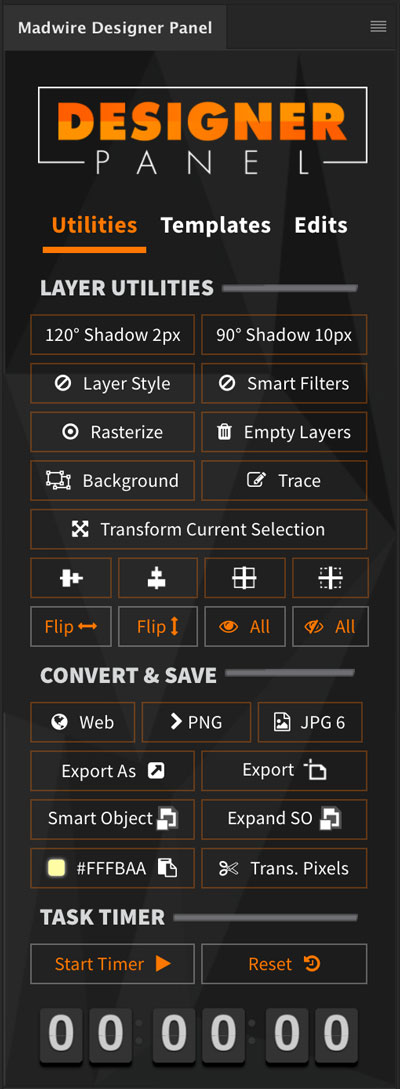
The Utilities Tab
Common menu actions, quick shortcuts, and image optimization tools
- Quick Drop Shadows
- Clear Layer Style
- Smart Filter Reset
- Rasterize Layer
- Image TraceSimilar to Illustrator image trace. This creates a quick vector-style outline from a selected raster layer.
- Flip and center align layers
- Delete empty layers
- Convert to background layer
- Show/hide all layers
- Hex color snifferCopies the current foreground color for quick CSS usage.
- Convert to smart object
- PNG optimization
- Various image export shortcuts
- Trim transparent pixels
- Task/Pomodoro timer
- Expand smart objectMoves all layers from a smart object into the current document as grouped layers.
Templating Shortcuts
Easily load common templates and starter assets including buttons, social media layouts, and website starter grids/designs.
- Social media cover and profile templates
- Quick links to useful sites
- Retargeting banner adsIncludes common ad sizes for Google, Facebook, and Instagram campaigns plus a fast path to text-to-image ratio checks.
- Nine unique ecommerce starting points
- Basic site grid
- Auto dealership template
- Network-drive templatesShared templates can live in one location so every designer gets the newest versions instantly.
- Font Awesome icon set
- Icomoon icon set
- Three button sets
- Trust badge assets
- Template preview windowPreview templates before opening them into a working file.

Image Edits
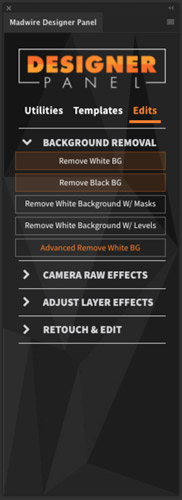
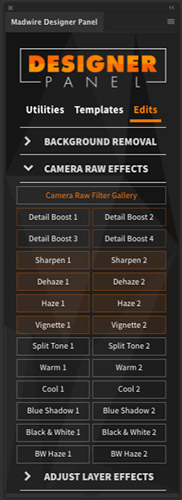
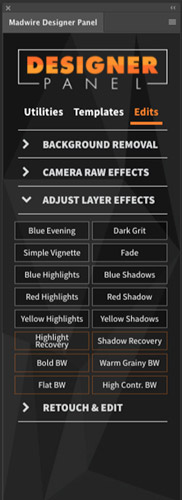
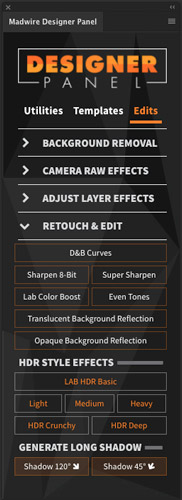
The largest tab in the panel. It uses nested accordions for background removal, Camera Raw effects, layer effects, and photo retouching. Too many tools to list here, but some highlights include a custom Camera Raw filter interface, non-destructive layer effect, a multi-tool background removal utility, and a smart object expander that moves all layers from a smart object into the current document as grouped layers for easy editing.